
Special Scheme for Unorganized Workers – e-Shram Card
Apply or update your e-Shram card to access multiple government benefits and insurance coverage.
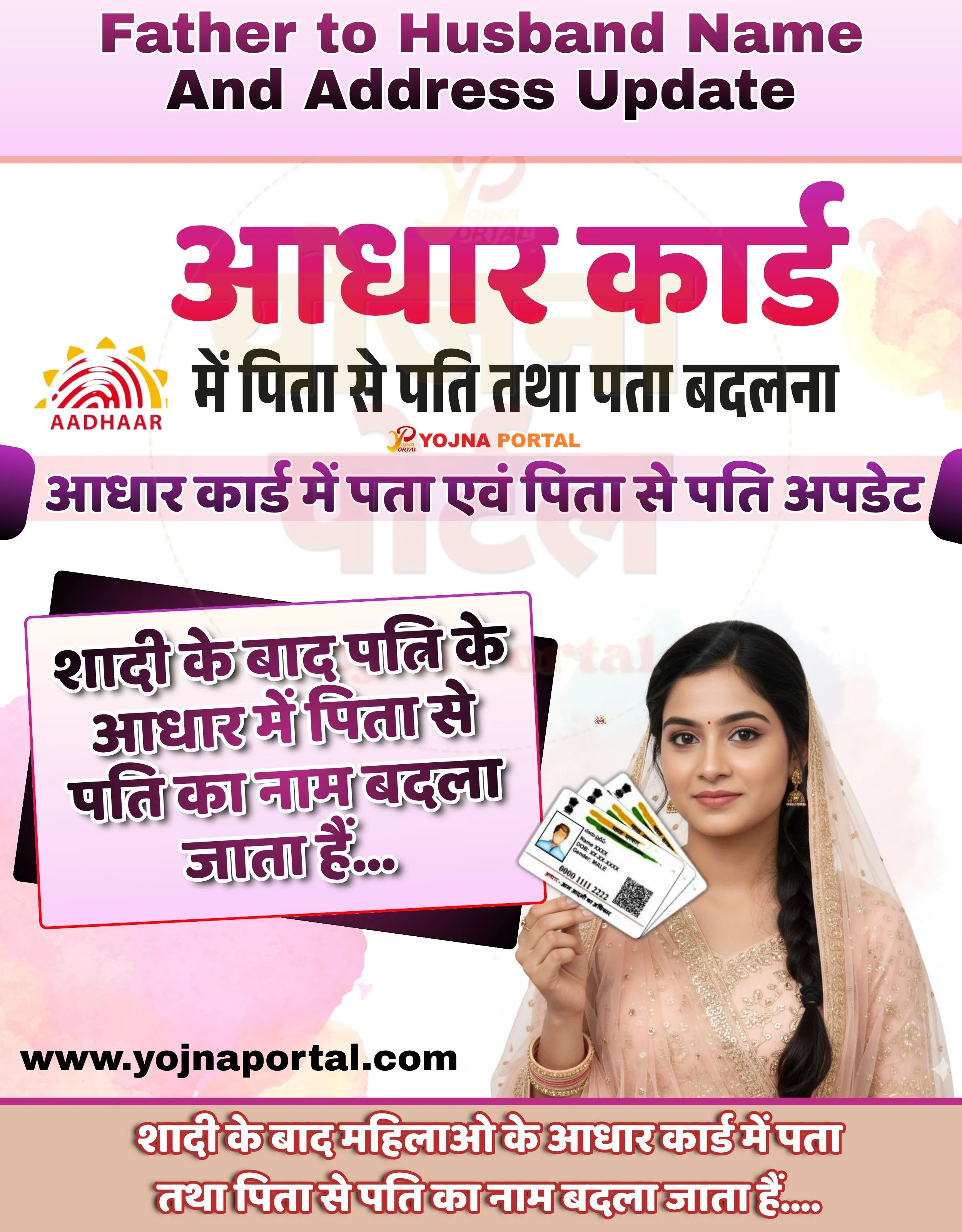
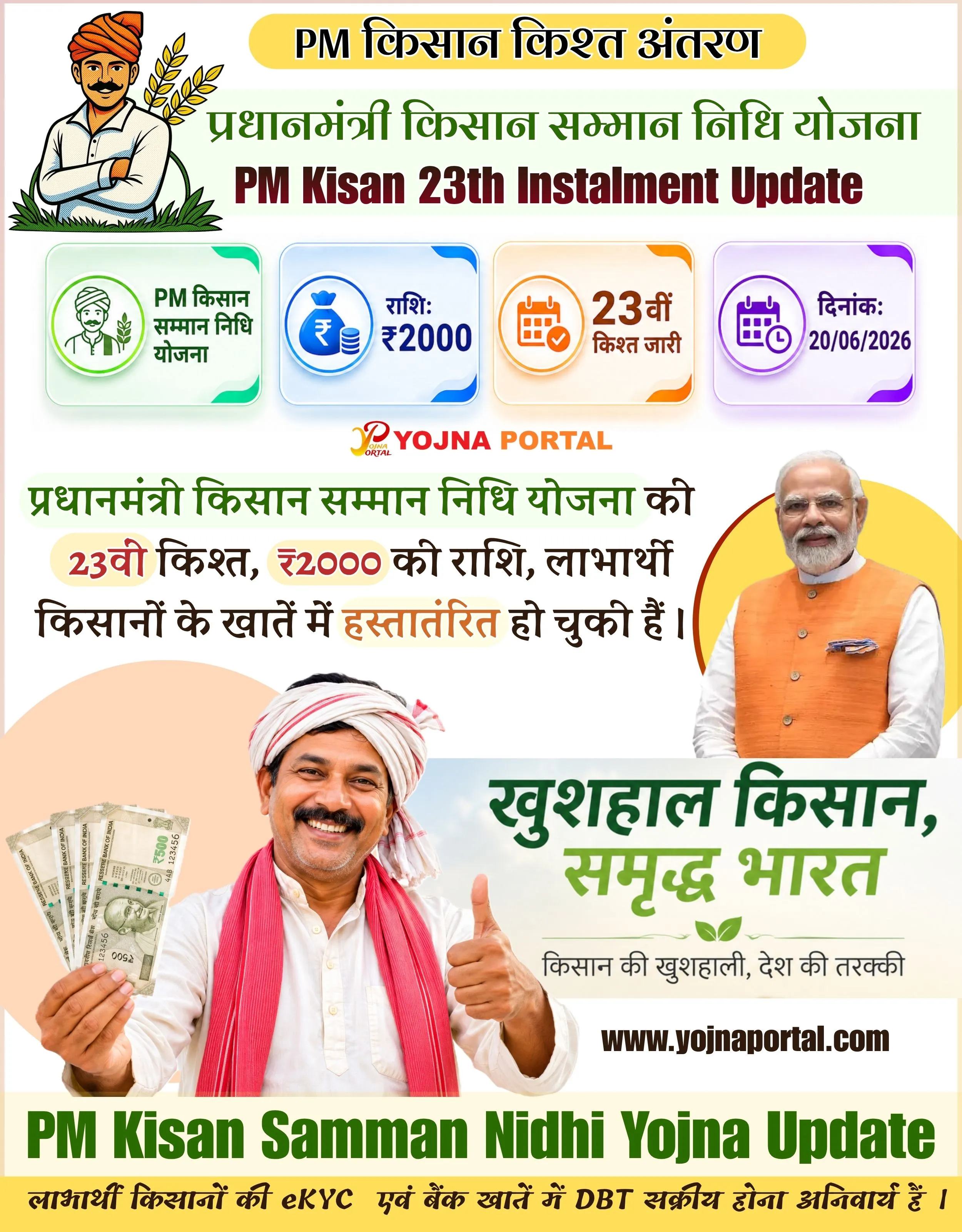
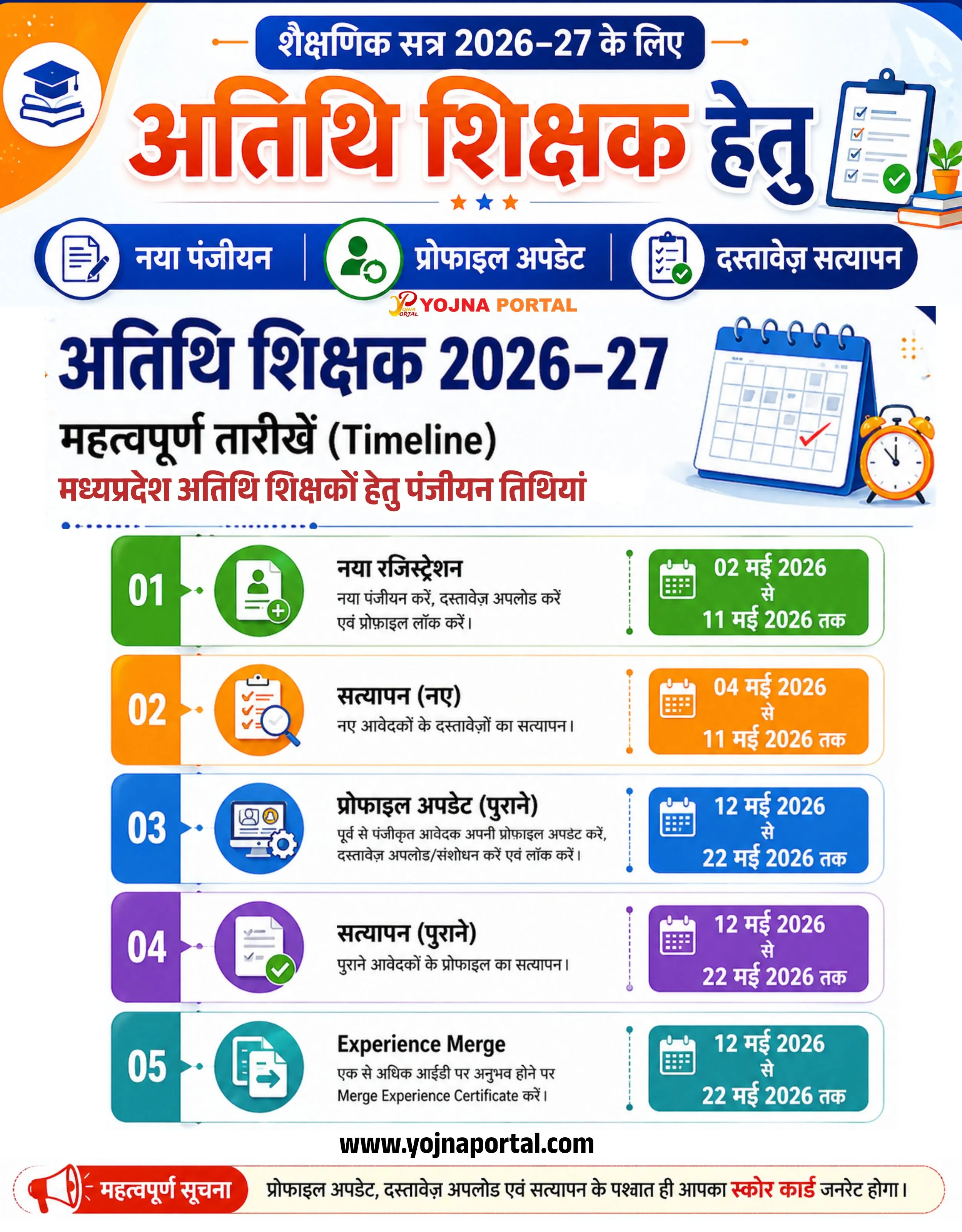
E Shram Card Scheme Related Poster Details
यह पोस्टर केवल सामान्य जानकारी प्रदान करने के उद्देश्य से बनाया गया है।
हम यह सुनिश्चित नहीं करते कि ऊपर दी गई सभी जानकारी पूर्णतः सही, सटीक एवं समयानुसार अपडेट हो।
संबंधित विभाग समय-समय पर अपनी आधिकारिक वेबसाइट पर जानकारी में बदलाव कर सकते हैं।
यह वेबसाइट किसी भी सरकारी विभाग, बैंक, संस्था या संगठन की आधिकारिक वेबसाइट नहीं है।
सभी योजनाओं, लोगो, नाम एवं ट्रेडमार्क का अधिकार उनके संबंधित विभागों एवं संस्थाओं के पास सुरक्षित है।
किसी भी आवेदन, पंजीयन या सेवा का लाभ लेने से पहले संबंधित विभाग की आधिकारिक वेबसाइट या कार्यालय से जानकारी अवश्य सत्यापित करें।
📢 Short Sharing (Hindi)
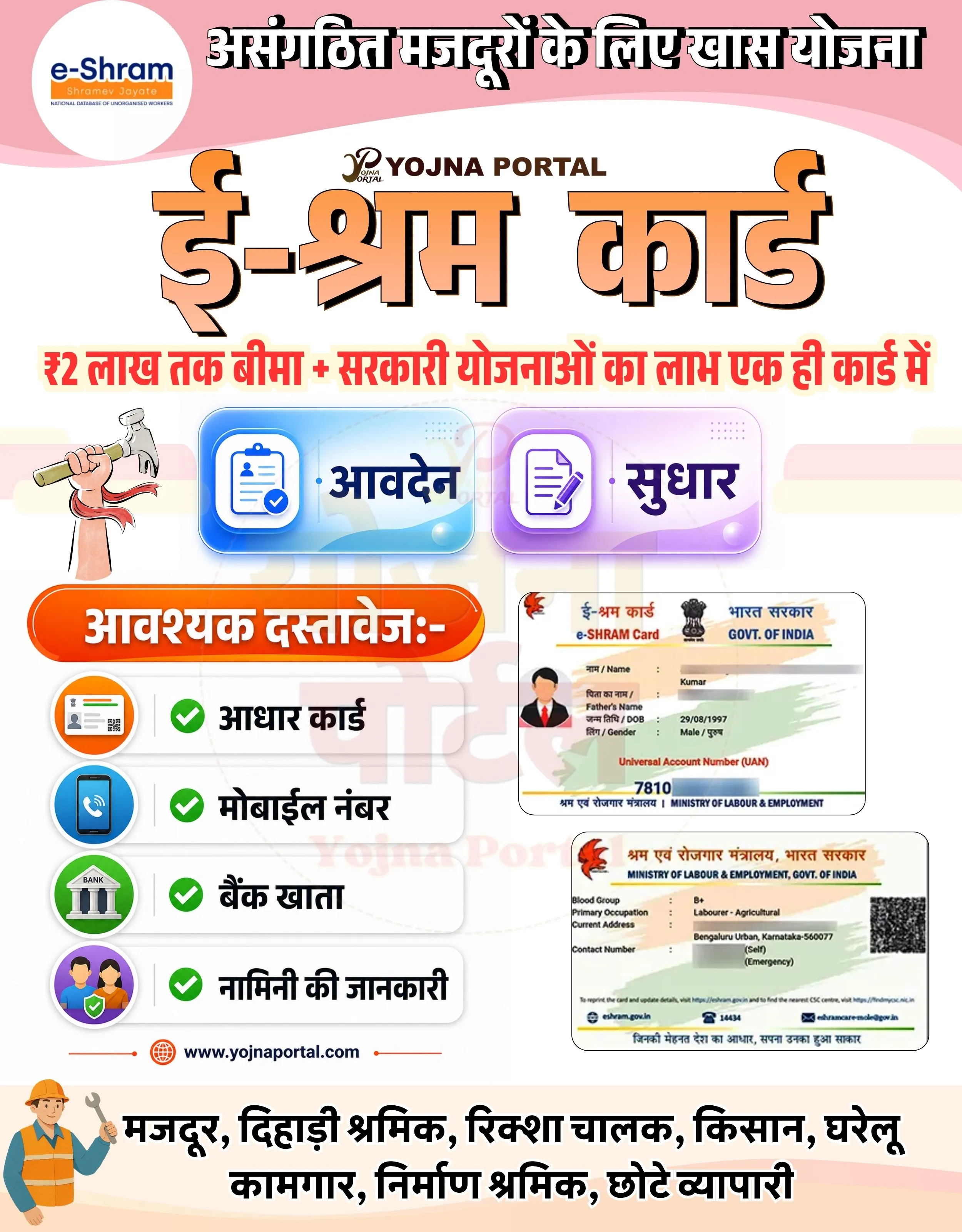
🚨 ई-श्रम कार्ड बनवाएं
💰 ₹2 लाख तक बीमा + सरकारी योजनाओं का लाभ
📢 अभी आवेदन करें
👉 www.yojnaportal.com
📢 Full Sharing (Hindi)
🚨 असंगठित मजदूरों के लिए खास योजना – ई-श्रम कार्ड
💰 ₹2 लाख तक बीमा + कई सरकारी योजनाओं का लाभ
📢 एक ही कार्ड से पाएं सभी सुविधाएं
📄 आवश्यक दस्तावेज:
✔ आधार कार्ड
✔ मोबाइल नंबर
✔ बैंक खाता
✔ नामिनी की जानकारी
👉 अधिक जानें: www.yojnaportal.com
#eShramCard #GovernmentScheme #YojnaPortal
✨E Shram Card Scheme Key Highlights
- Up to ₹2 lakh accident insurance coverage
- Access to multiple government welfare schemes
- Single unified card for unorganized workers
- Easy application and update process
📌 Important Details of E Shram Card Scheme
- Required documents include Aadhaar card
- Active mobile number is necessary
- Bank account details must be provided
- Nominee details are required for benefits
📖 About E Shram Card Scheme Poster
The e-Shram Card scheme is launched by the Government of India to provide social security and welfare benefits to unorganized sector workers.
It helps workers like laborers, farmers, street vendors, and small business owners access insurance and government schemes easily.
🧠 E Shram Card Scheme / Banner Generation Prompt
Create a highly detailed modern government-style informational poster in portrait format (approx. 1000x1280).

BACKGROUND:
Use a soft pink gradient background at the top fading into white/light cream towards the bottom. Add smooth curved wave shapes in light pink and cream tones to create a layered, clean government infographic style.

TOP SECTION:
At the top center, place a bold Hindi heading in large black font with slight shadow:
"असंगठित मजदूरों के लिए खास योजना"

On the top-left, include a circular white badge containing the official "e-Shram" logo (blue and orange text: "e-Shram", tagline "Shramev Jayate", and small subtitle "NATIONAL DATABASE OF UNORGANISED WORKERS").

Below the heading, center-align a small logo text:
"YOJNA PORTAL" with a stylized “P” icon above it.

MAIN TITLE:
In the center, place very large bold Hindi text with orange gradient fill and black outline/shadow:
"ई-श्रम कार्ड"

SUBHEAD STRIP:
Below the title, add a horizontal red-highlighted strip with bold Hindi text:
"₹2 लाख तक बीमा + सरकारी योजनाओं का लाभ एक ही कार्ड में"

MIDDLE SECTION (ACTION CARDS):
Create two rounded rectangular glossy cards placed side-by-side:

LEFT CARD:
Blue gradient background with glassmorphism effect.
Icon: Clipboard with checkmark.
Text in bold Hindi: "आवेदन"

RIGHT CARD:
Purple gradient background with glassmorphism effect.
Icon: Document/edit icon.
Text in bold Hindi: "सुधार"

Add soft shadows and reflections to both cards.

LEFT LOWER SECTION (DOCUMENTS LIST):
Add an orange rounded pill-shaped header:
"आवश्यक दस्तावेज:-"

Below it, create a vertical list of 4 items with icons and green checkmarks:

"आधार कार्ड" (ID card icon)
"मोबाइल नंबर" (phone icon)
"बैंक खाता" (bank building icon)
"नामिनी की जानकारी" (people icon)

Each item inside soft white rounded rectangles with subtle shadow.

RIGHT SECTION (CARD PREVIEW):
Place two sample e-Shram card images stacked vertically with slight perspective and shadow.
Include visible elements like:

Government of India emblem
"e-SHRAM Card"
Sample name "Kumar"
UAN number
Address and worker details

BOTTOM SECTION:
Add website text centered:
"www.yojnaportal.com
"

Below that, place a row of worker categories in bold Hindi:
"मजदूर, दिहाड़ी श्रमिक, रिक्शा चालक, किसान, घरेलू कामगार, निर्माण श्रमिक, छोटे व्यापारी"

On bottom-left, include a small cartoon-style illustration of a construction worker wearing a helmet and holding tools.

STYLE & TYPOGRAPHY:
Use bold Hindi fonts with strong सरकारी poster style.
Apply drop shadows to main headings.
Use vibrant but clean color palette (orange, blue, purple, red accents).
Ensure spacing is balanced and aligned.
Maintain high clarity, modern infographic style with soft shadows and rounded UI elements.

LIGHTING & FINISH:
Soft ambient lighting, slight glossy UI reflections, clean edges, and high contrast readability.

Ensure the layout is symmetrical, visually balanced, and matches a professional government awareness banner design exactly.
WhatsApp Telegram YouTube Facebook Instagram X (Twitter)